

Melbourne’s West & GeelongOnsite computer repairs for home users 0497 770 099
Our services

Everyday computer help.
For everyday people.

Hardware repairs, software problems and home technology made easier. We come to you across Melbourne’s western suburbs and Geelong.

Virus removalStartup problemsComputer setupsData transfersMore services
Virus & malware removal
Unwanted pop-ups? Something doesn’t feel right?

Virus & malware removal

We find and remove malicious software, unwanted programs and browser hijacks, then review your security settings and explain practical ways to stay safer.

  • Virus, spyware and malware clean-ups
  • Suspicious pop-ups and browser changes
  • Security software installation and setup
Ask about this service
Computer won’t start
A black screen shouldn’t stop your day.

Computer won’t start

Whether your computer will not turn on, gets stuck loading or keeps restarting, we work through the cause and explain your repair options.

  • Computers stuck on the startup screen
  • Boot errors, black screens and restart loops
  • Hardware and software fault diagnosis
Ask about this service
Windows problems & repairs
Get past the errors and back to everyday life.

Windows problems & repairs

Freezing, error messages, troublesome updates or a desktop that will not load? We troubleshoot Windows problems and discuss repair or reinstallation where appropriate.

  • Windows errors, freezing and crashes
  • Update failures and driver problems
  • Windows repairs and reinstallations
Ask about this service
New computer setups
New computer. A much easier beginning.

New computer setups

We help get your new laptop or desktop ready at home, with your internet, email, printer and everyday programs set up to suit you.

  • Windows PC and Apple Mac setup
  • Email, printers and internet connected
  • A friendly walkthrough of your new computer
Ask about this service
Data transfers & backups
Bring the important things with you.

Data transfers & backups

Moving to a new computer? We help transfer documents, photos and other accessible files, then talk through a backup approach that fits your needs.

  • Files moved from your old computer
  • External drive and cloud backup setup
  • Advice on protecting your important photos
Ask about this service
Software & device installation
Less fiddling. More getting things done.

Software & device installation

We install and configure compatible software, updates and home computer accessories. We also explain any licences, subscriptions or replacement equipment you may need.

  • Microsoft 365 and everyday applications
  • Drivers, updates and security programs
  • Printers, webcams and other peripherals
Ask about this service
A little more help around the home

More ways we can help.

Hardware repairs & upgrades

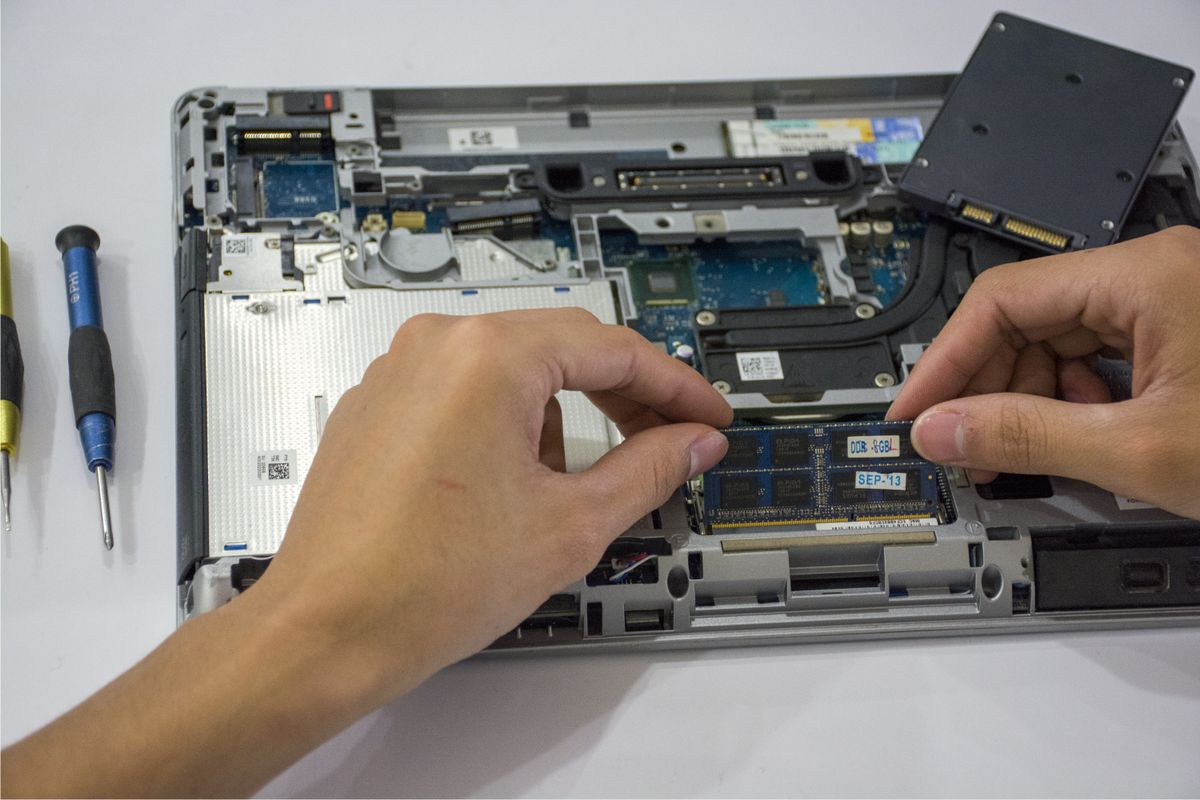
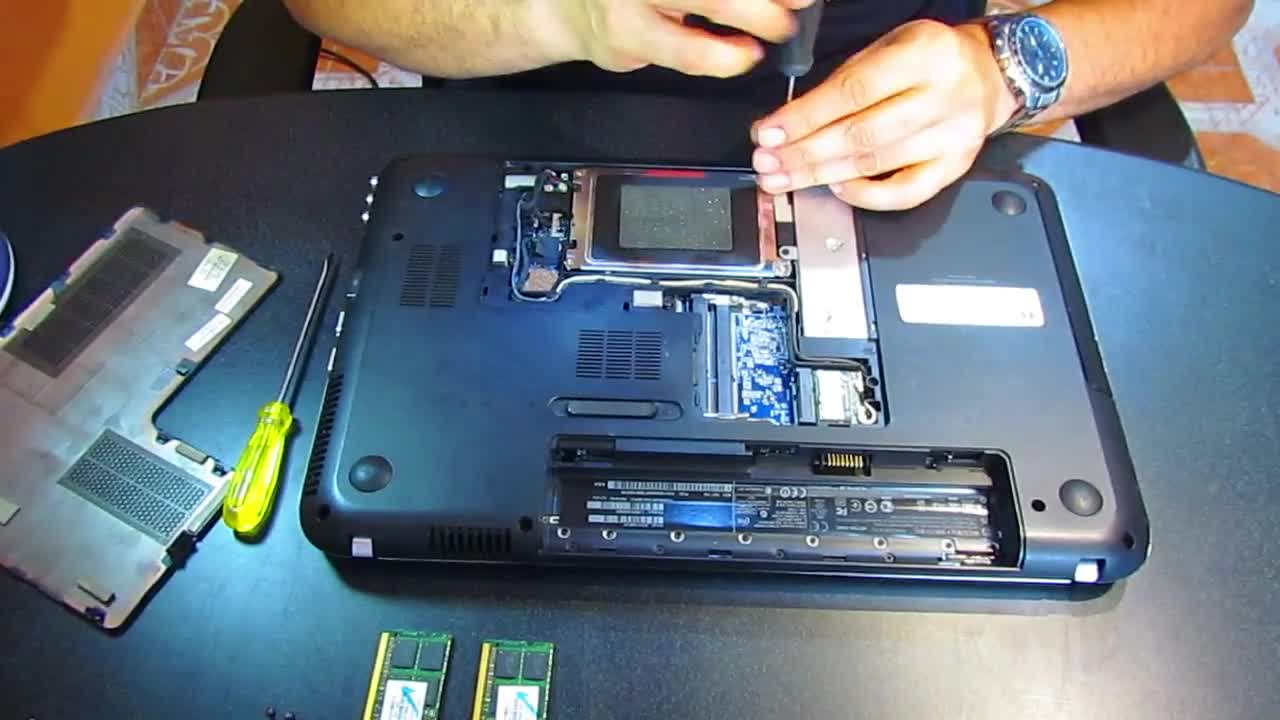
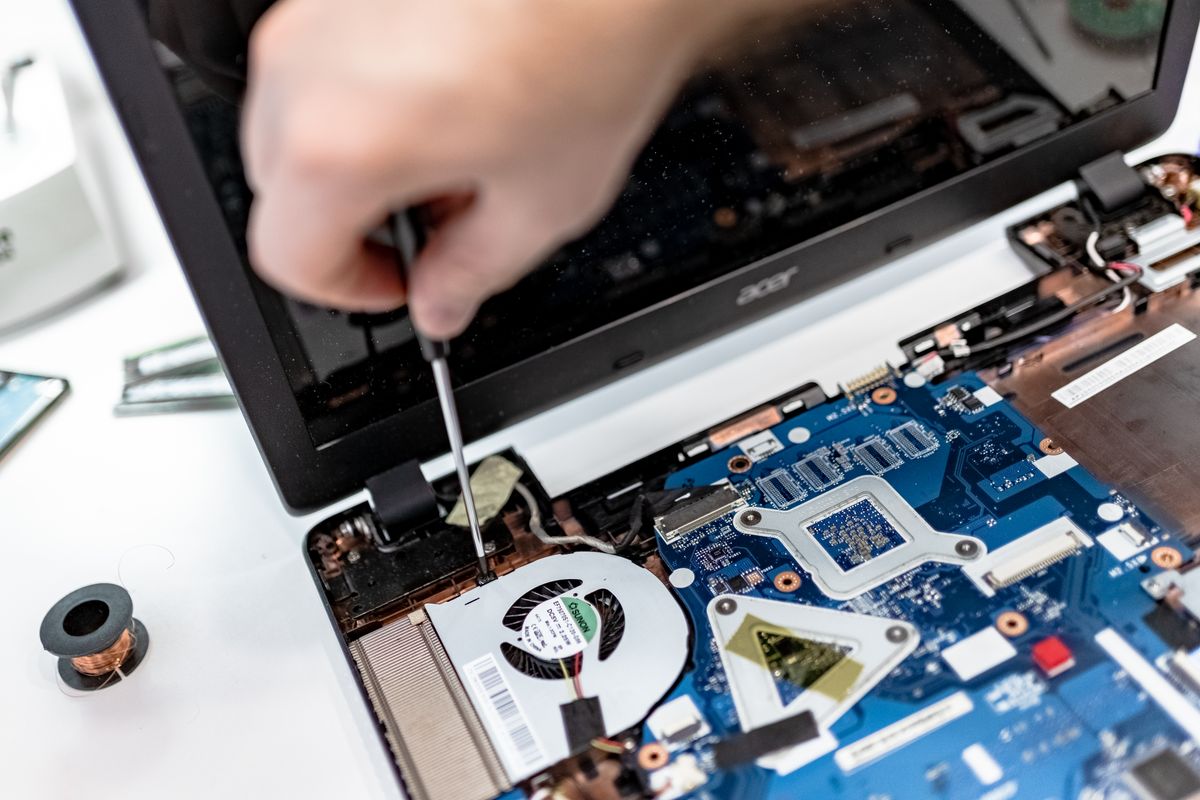
We diagnose desktop and laptop hardware faults and discuss suitable repairs or upgrades, including storage and memory. Parts, compatibility and onsite suitability are assessed first.

  • Laptop and desktop fault diagnosis
  • SSD and memory upgrades
  • Repair-versus-replacement advice
Enquire about this service

Slow computer help

We investigate slow startup, sluggish programs and general performance issues. We look at software, storage and hardware so the advice addresses the cause.

  • Slow startup and unresponsive programs
  • Storage space and background software
  • Practical performance improvements
Enquire about this service

Internet & home Wi-Fi

We troubleshoot the connection between your computer, modem, router and home Wi-Fi, and help identify whether the issue needs attention from your internet provider.

  • Wi-Fi connection and coverage issues
  • New modem and router setup
  • Connecting home computers and devices
Enquire about this service

Email & Outlook support

We help with email setup, sending and receiving problems, Outlook settings and connecting your email across compatible computers and devices.

  • New and existing email account setup
  • Outlook and other email applications
  • Mail syncing and connection problems
Enquire about this service

Printers & scanners

We help connect printers and scanners, configure wireless printing and resolve common driver, queue and connection problems.

  • New printer and scanner setup
  • Wireless printing and connection issues
  • Print queues and software problems
Enquire about this service

Patient help & advice

Need a little guidance using your computer? We explain everyday tasks in plain English, at your pace, with practical help for beginners and seniors.

  • One-to-one help in your own home
  • Everyday computer questions
  • Pre-purchase advice and setup planning
Enquire about this service
Laptops. Desktops. Windows. Mac.

Big brands.
The same friendly help.

We work with the major computer brands, older machines and custom-built PCs. Tell us your model and we’ll discuss how we can help.

HPDellLenovoAcerASUSAppleMicrosoft SurfaceSamsungMSIToshibaDynabookSony VAIOLGFujitsuGigabyteAlienwareRazerCustom-built PCs

Independent computer repair and support. Brand names identify the devices we work on and do not imply manufacturer authorisation. Hardware repairs depend on model, parts and repair suitability.

Practical advice from the start

Let’s find the
right way forward.

How much will it cost?+

The cost depends on the fault, the work needed and whether parts or software are required. Call or request a quote and we will discuss the job and explain the proposed charges before you agree to proceed.

Can you help with both hardware and software?+

Yes. We diagnose hardware faults as well as Windows, software and setup problems. Some hardware work needs replacement parts or a different repair setting. We explain what is practical for your particular device.

Do you work on Apple Macs as well as Windows PCs?+

Yes. We can help with everyday Mac setup, software, email, file transfers and fault diagnosis, alongside Windows PCs. Hardware repair options vary by model, so let us know what device you have.

Can you move files from my old computer?+

We can help transfer accessible documents, photos and other files to a new computer. If the old computer or its drive has failed, the options depend on its condition. Programs may need to be reinstalled with compatible versions and valid licences.

Let’s get things working again

Computer trouble?
We’ll come to you.

Request a home visitOr call 0497 770 099
Call usRequest a booking